MoonView software for viewing/registering lunar images
Fare clic qui per la versione in italiano

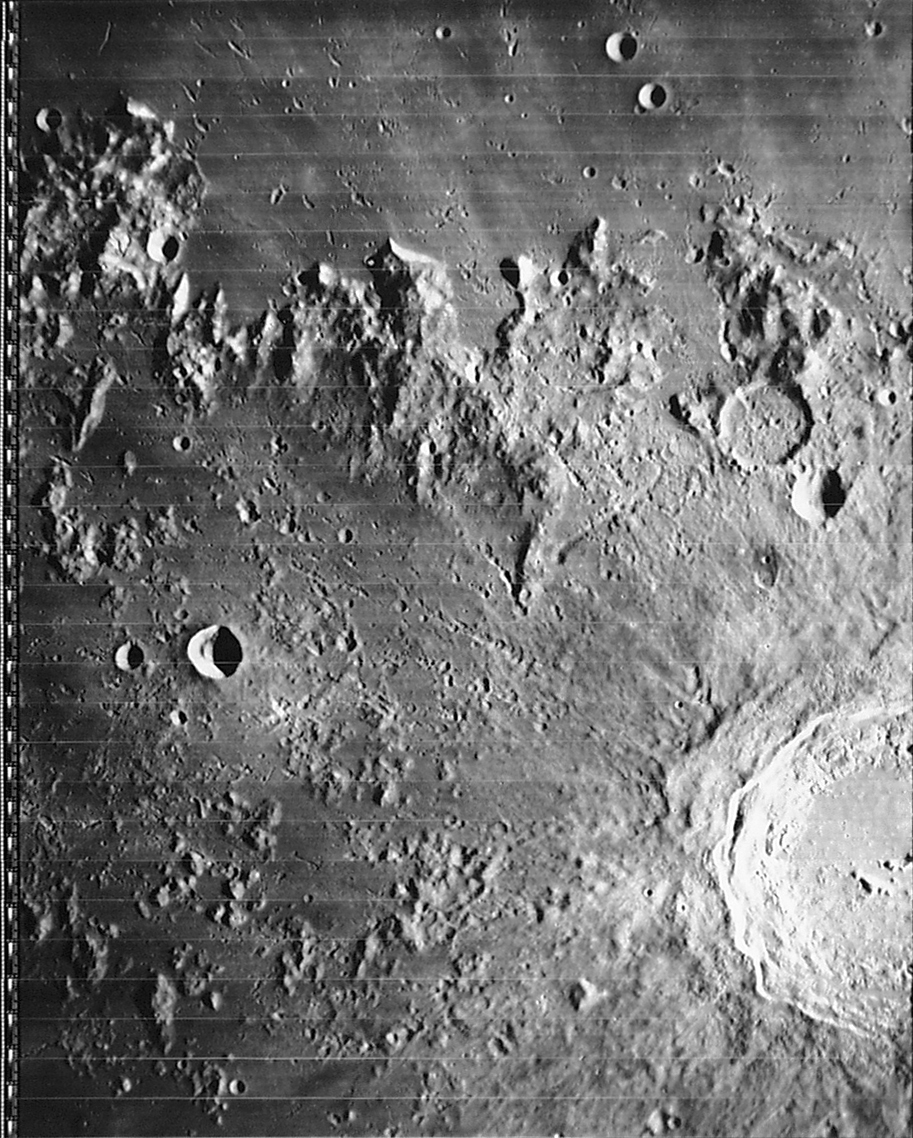
Purpose of this program: The above screen shot should give you the basic idea: the program allows you to load up an image of the moon (CCD or scanned photo) and "register" it by clicking on a few craters and naming them. Once registered, other craters will automatically be shown in their correct locations, the latitude/longitude under the cursor appears on the status bar, and you can measure distances on the image. (Some images have already been registered, eliminating the need for the user to do so.) The program is still at an early stage, and a long list of other improvements are under way.
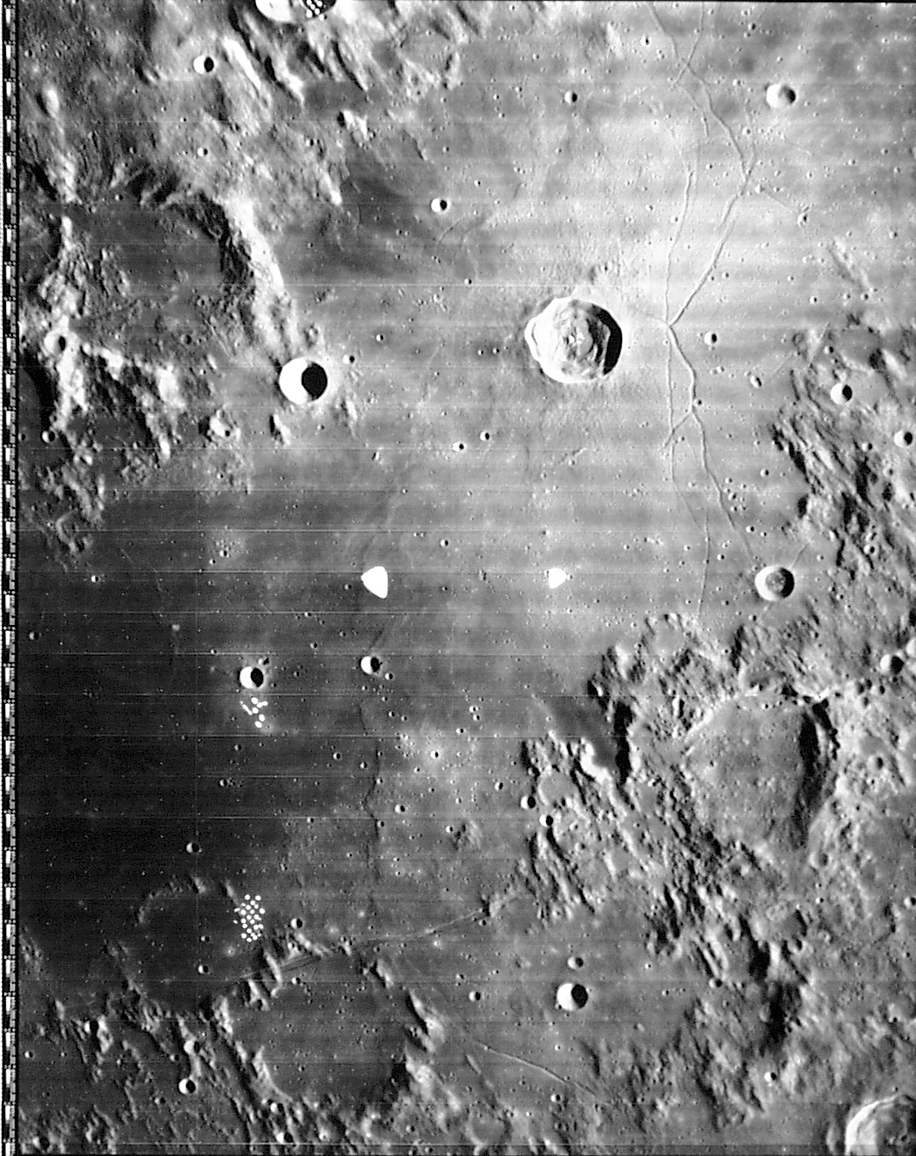
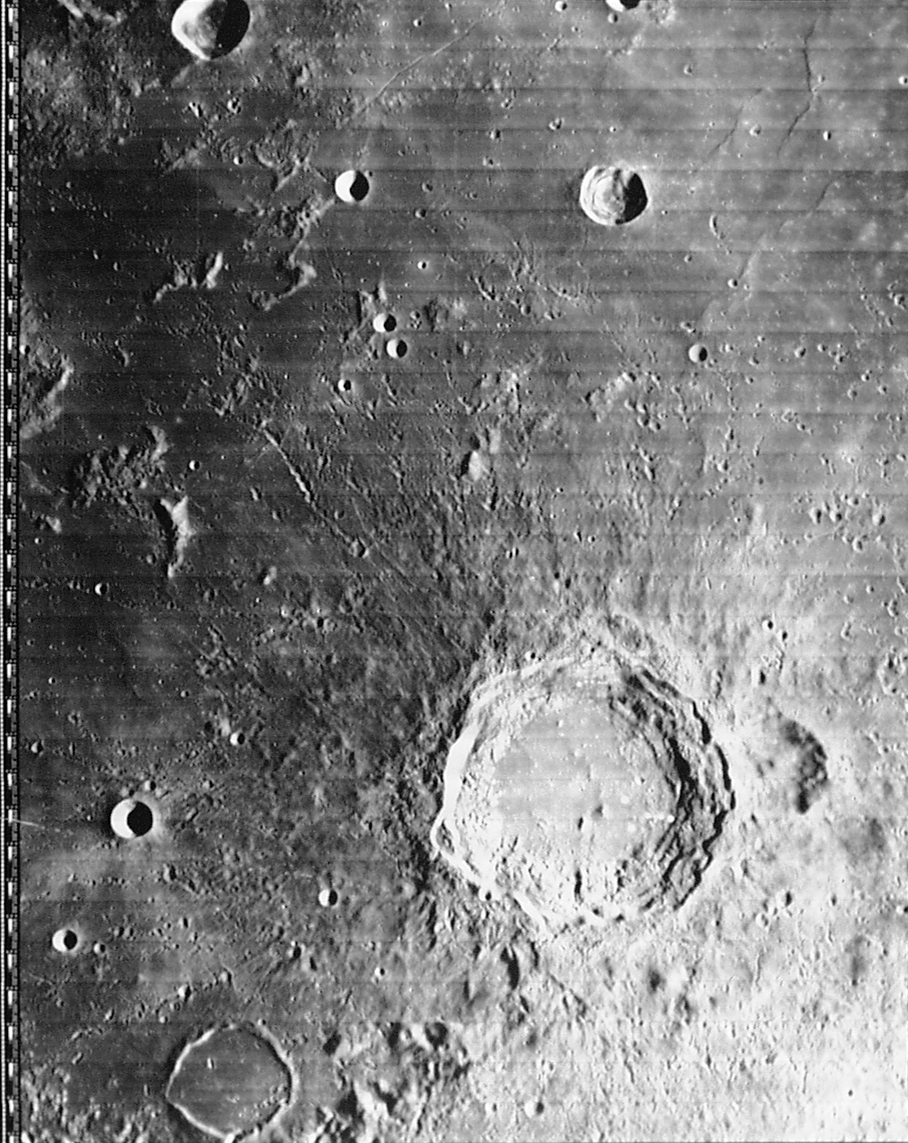
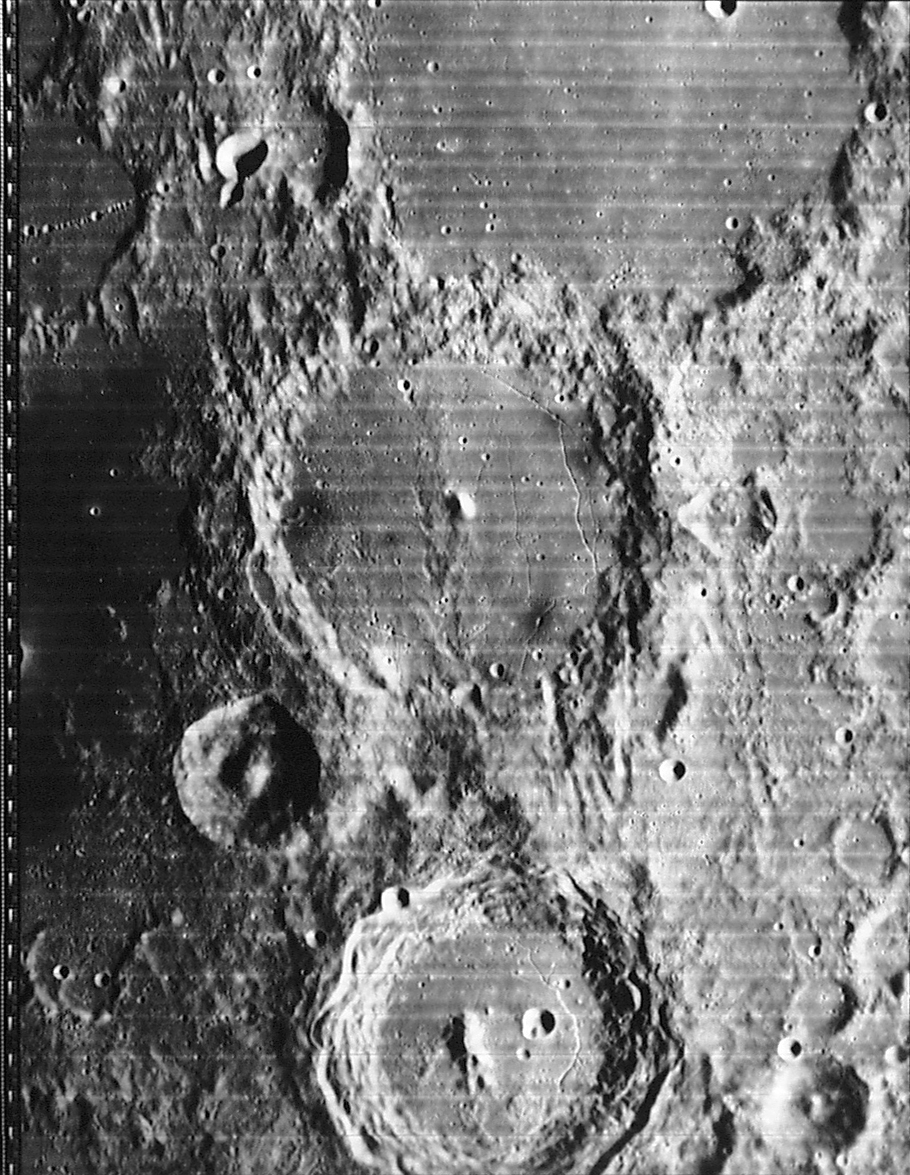
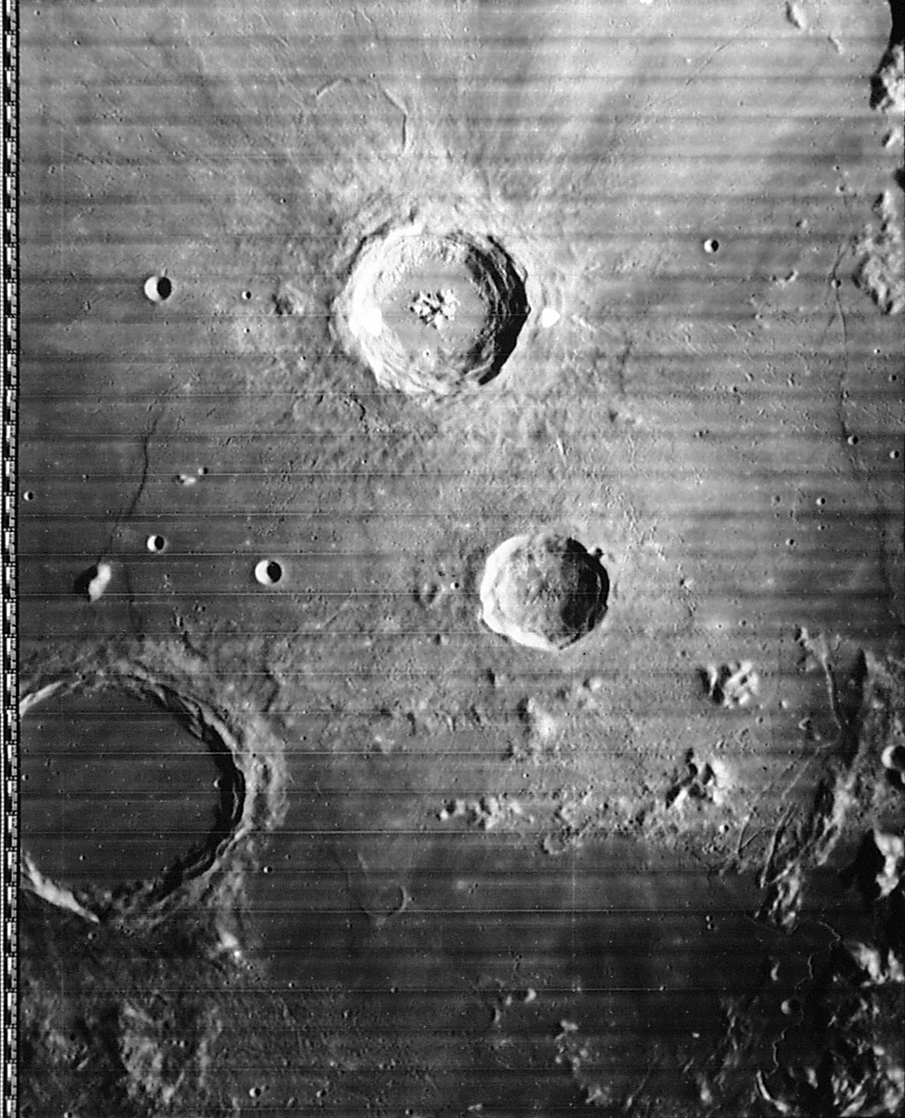
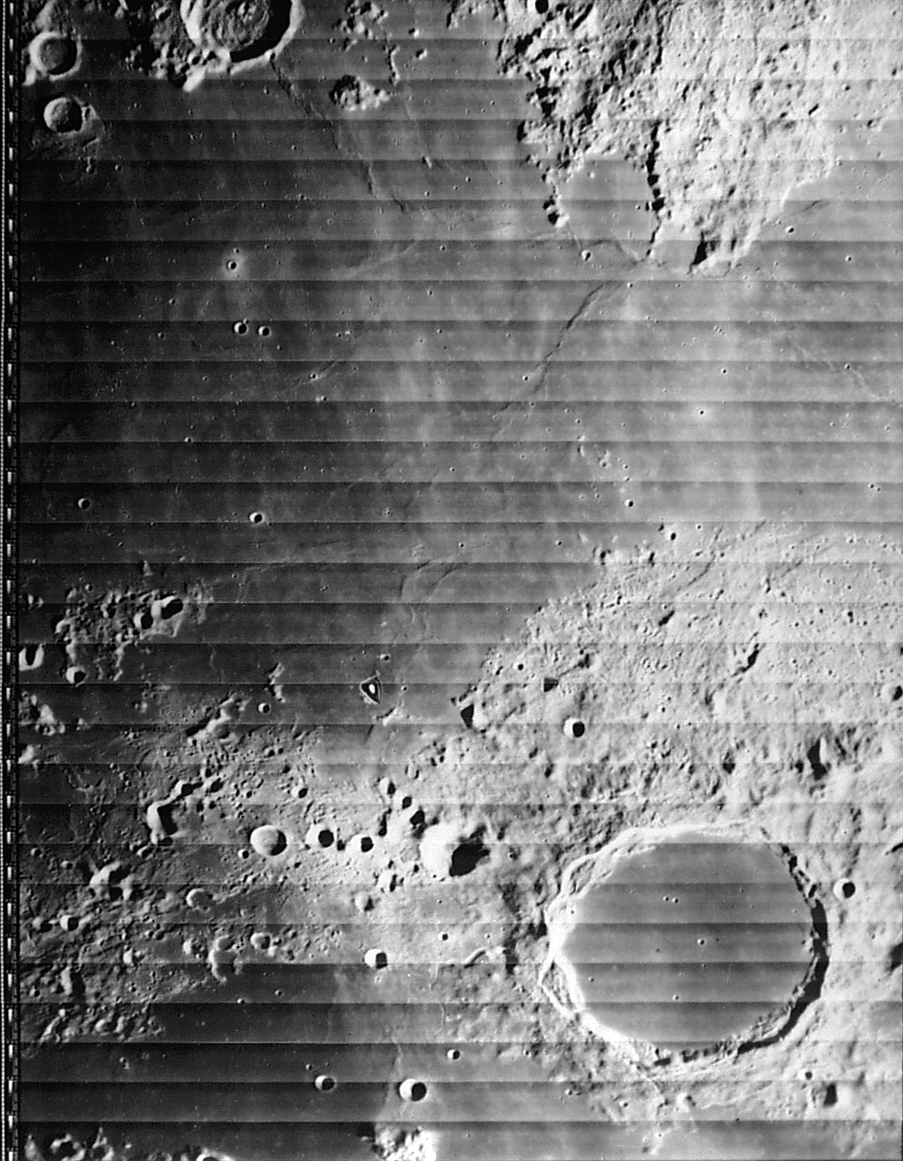
The original purpose of this program was to allow use of the on-line Consolidated Lunar Atlas (CLA) images, as well as (possibly) the on-line Lunar Orbiter Atlas images. Both image archives were made using a digital camera, and don't really reflect the high quality of the original photos; there is a project under way to scan the CLA with a flatbed scanner that should result in still better images. And it should be possible to add just about any lunar image to the program.
In all of these cases, you start with "plain old images" with no cartographic (selenographic) information. With MoonView, you identify at least two craters in the image; the image is then "registered" (that is, MoonView can figure out what lat/lon corresponds to which pixel in the image, and vice versa), so you can toggle overlays of craters and crater names and get a lat/lon readout as you move the cursor. You can also "register" more craters; this is a good idea, since it improves the accuracy of the conversion process.
(At some point, these very basic functions will be expanded; see the list of future additions to the program.)
Use of this program: displaying images: Your first step is to make a directory for MoonView on your hard drive, download the program and unZIP it in that directory. After that, you have to get some images for it.
All of the images from the Consolidated Lunar Atlas (CLA) project of the "letter/number" variety ("A10.jpg", "F15.jpg", etc.) have already been registered for use in MoonView. Download one or more of these to your hard drive, and start up MoonView and click on File... Open. (For example, you can click here to get the image used for the above screen shot.) Select some CLA images, load them into MoonView, and you'll get something closely resembling the screen shot at the top of this page.
As you move the cursor over the image, you get a lat/lon readout in the status bar. Click with the left mouse button, and the image will recenter on that point. Click and drag with the left mouse button, and you will simultaneously recenter and zoom in on that point. Click and drag with the right mouse button, and you can measure the distance (in kilometers) between two points on the lunar surface. (Users of my Guide star charting software will see an immediate similarity; I recycled a bit here.)
Currently available keyboard commands are:
c to toggle crater outlines
g to find a crater by name
q to assume a Lunar Orbiter image (click for details)
r to toggle the red registration marks
t to toggle text labels
x to toggle mirror image left/right
y to toggle mirror image top/bottom
(hit both x and y to flip the image on both axes)
* to zoom in
/ to zoom out
space bar to go to "default" zoom
Use of this program: registering new images: As I mentioned in the previous section, only non-full-moon CLA images are currently registered. If you load up a .jpg image of the moon from another source, the program will have no idea where to show craters and text. So it won't show them.
To get it to show them, you must identify two craters. Right-click on the center of the first crater, and MoonView will ask you to "Enter feature name:" Do so, and MoonView will put a red cross to mark that spot. Repeat the process for the second crater.
Doing that initial identification can be a bit of a pain. I used Antonín Rükl's Atlas of the Moon quite a bit ("OK, these guys line up, that must be Plato K... that crater-in-a-crater must be Cassini B", etc.) Those with a much better knowledge of the Moon than I might not have a problem here. However, you quickly reach the point where registering an image takes a couple of minutes.
MoonView will now have enough information to outline the craters and label them, but it will usually do a poor job of this in areas far from the two selected craters. To remedy this, right-click on some more craters. The identification process will be much simpler, because MoonView can now (usually) figure out which crater is being clicked on, so it will fill in the probable feature name.
It's best to stick to smaller craters. With the large ones, figuring out the position of the "center" is hard to do with any degree of accuracy. But nailing the center of a small crater to within a kilometer or so isn't too tough.
When done, click on "File... Save", and MoonView will add the registration data to its list. When you next open that image, it will re-load that registration data.
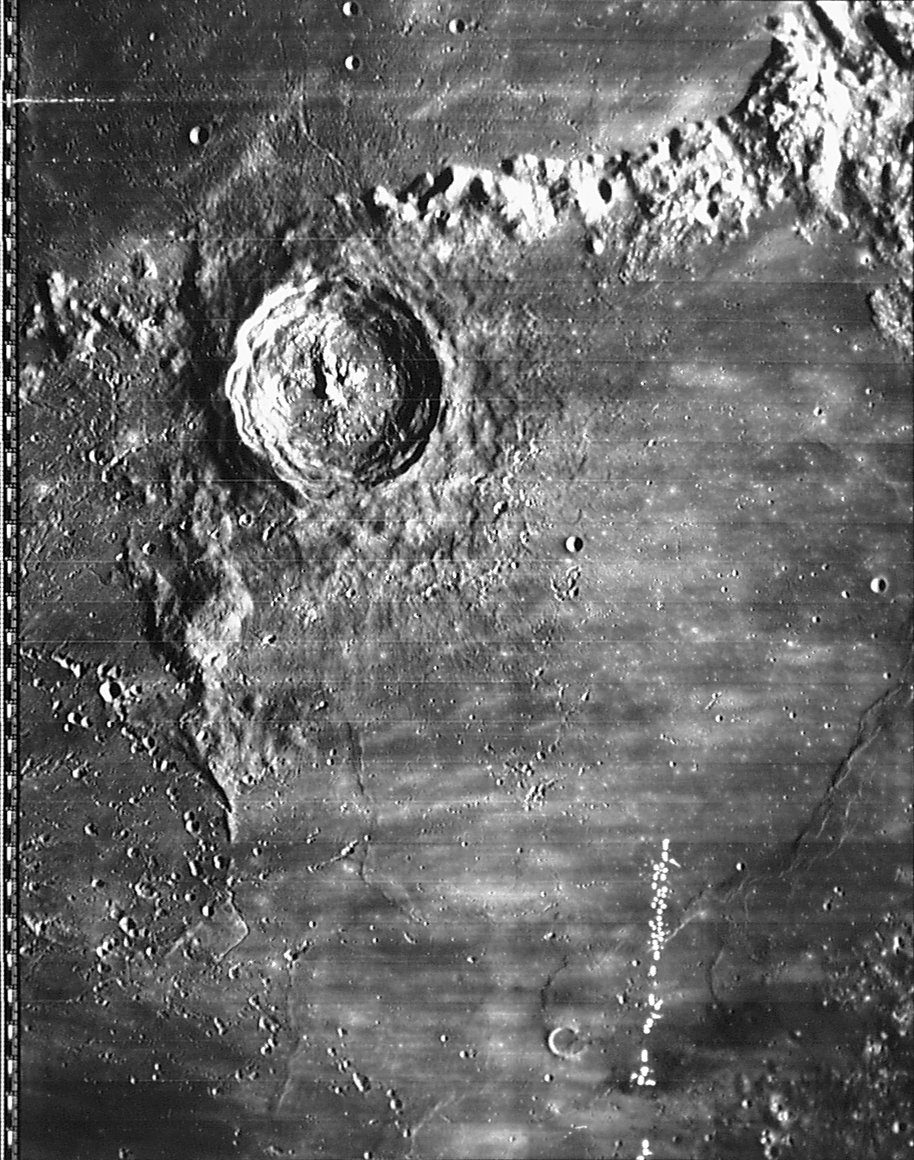
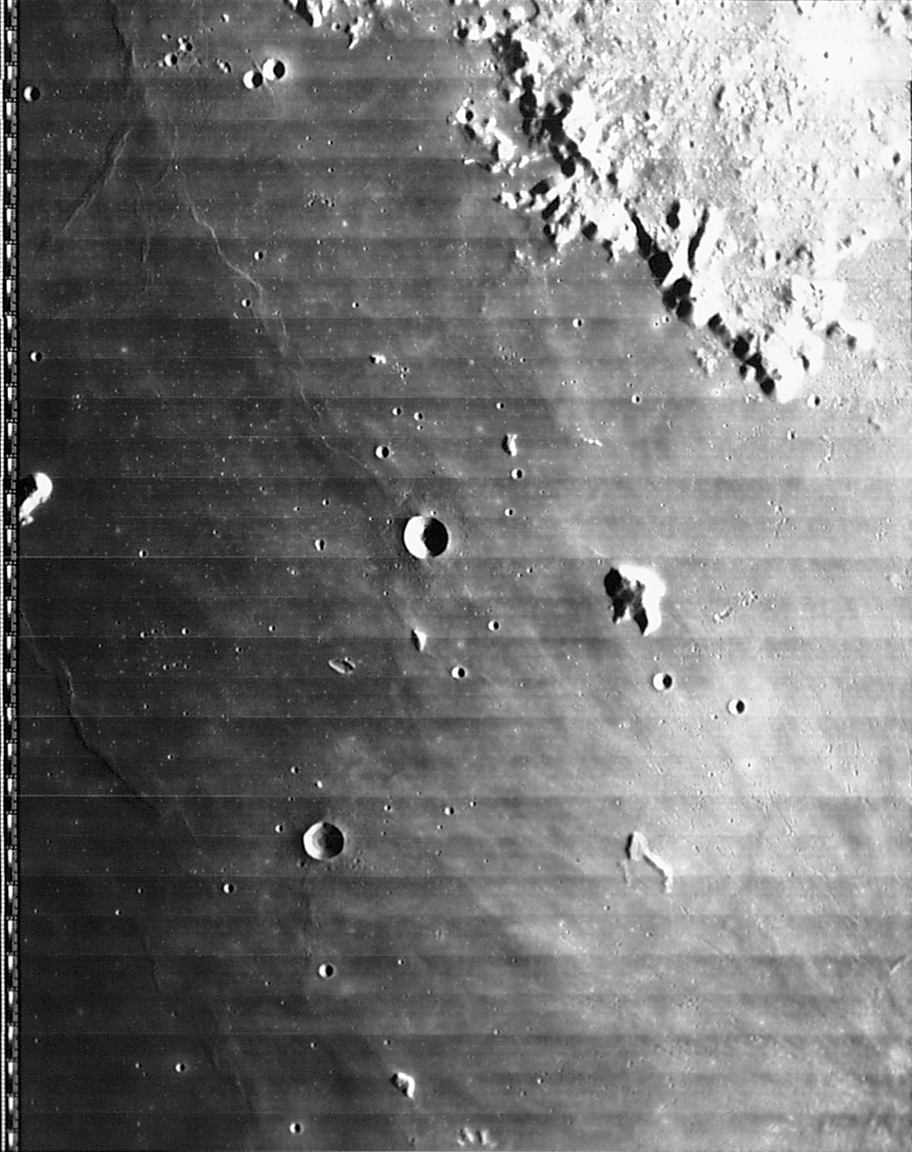
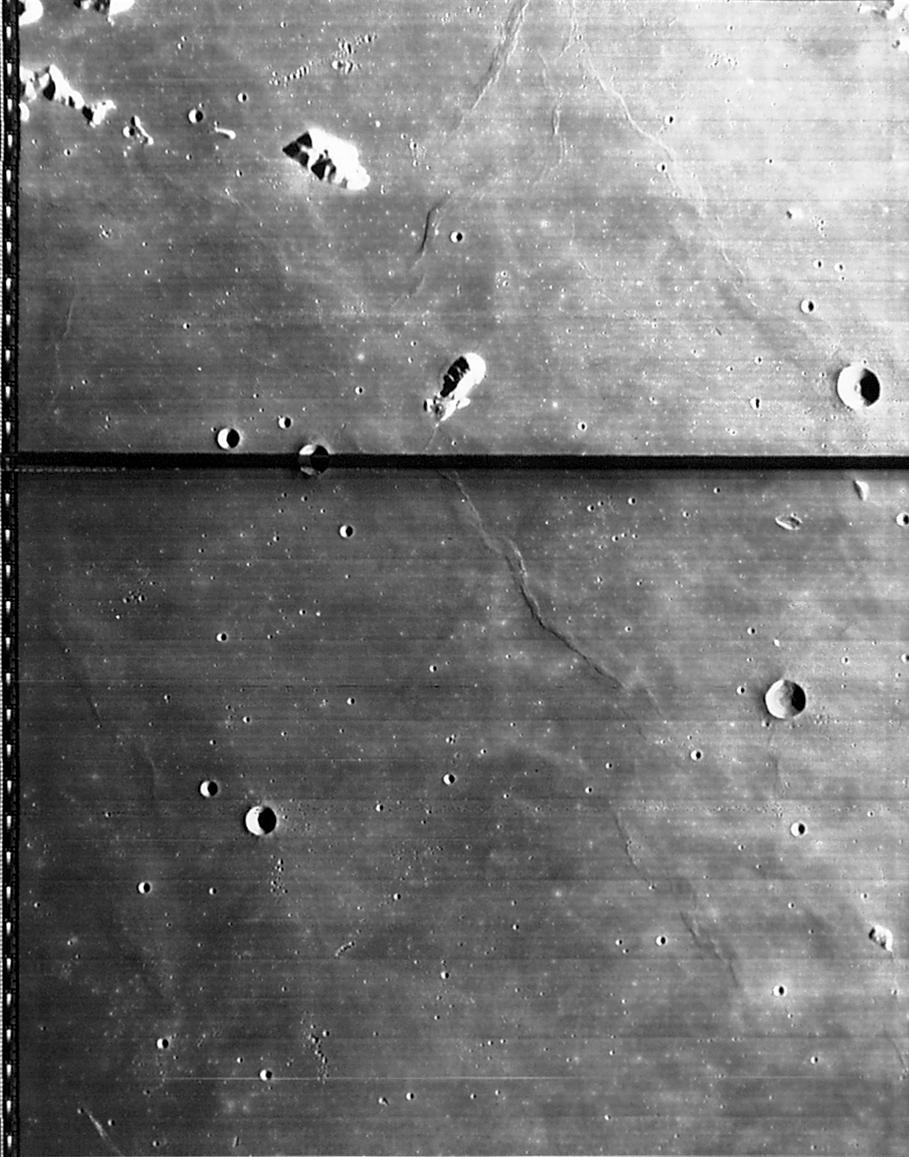
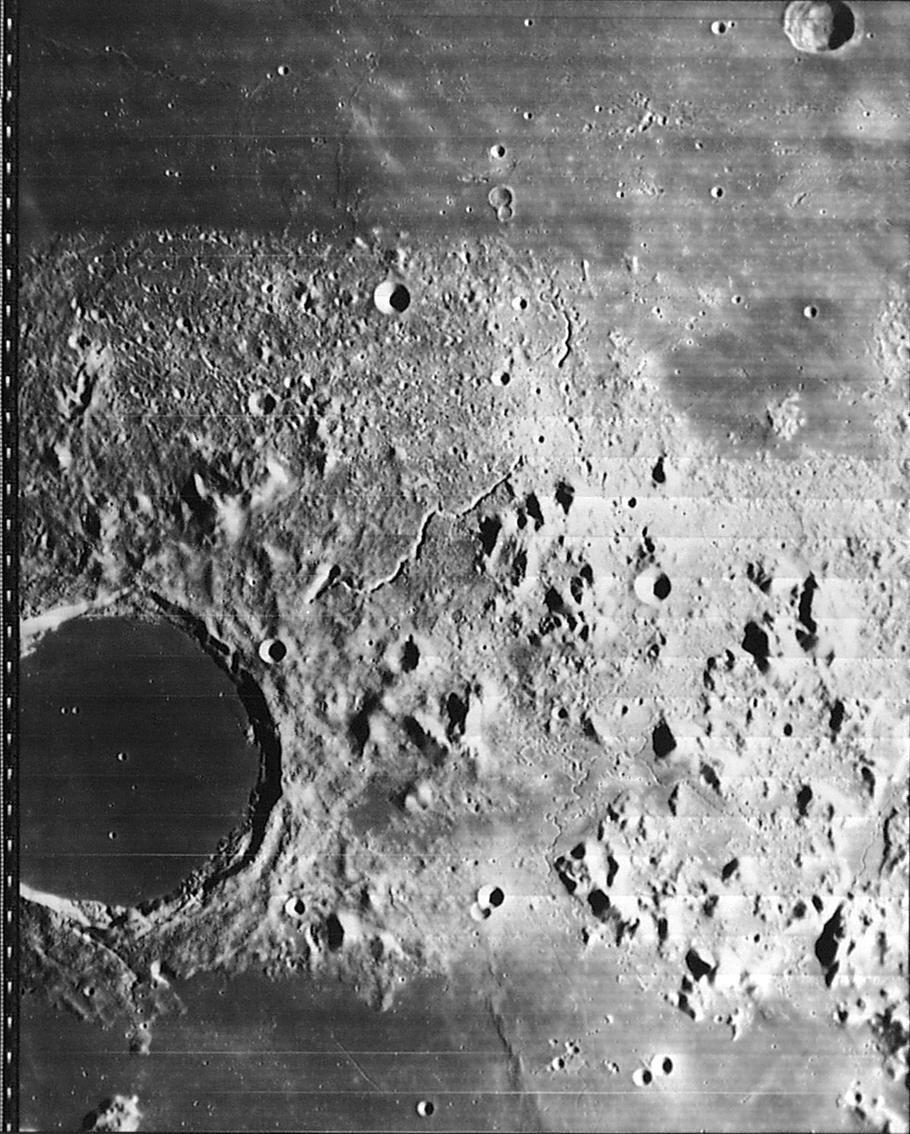
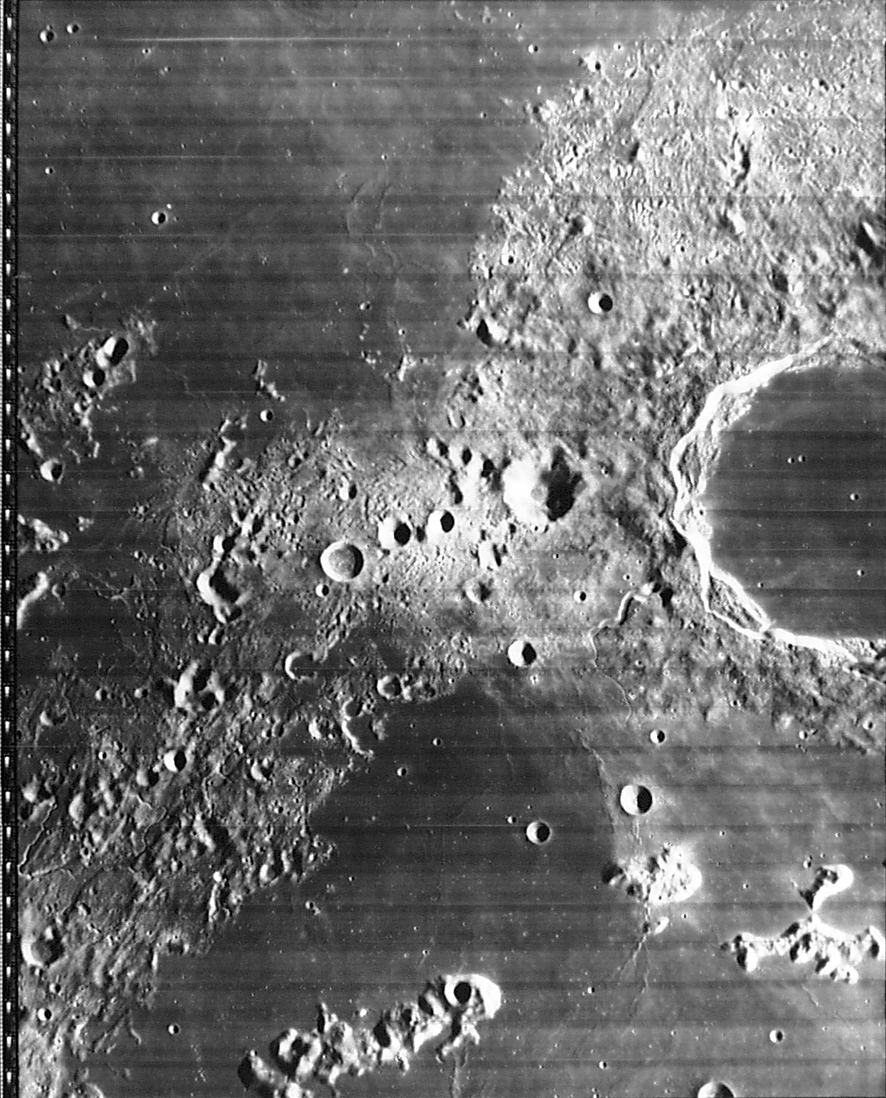
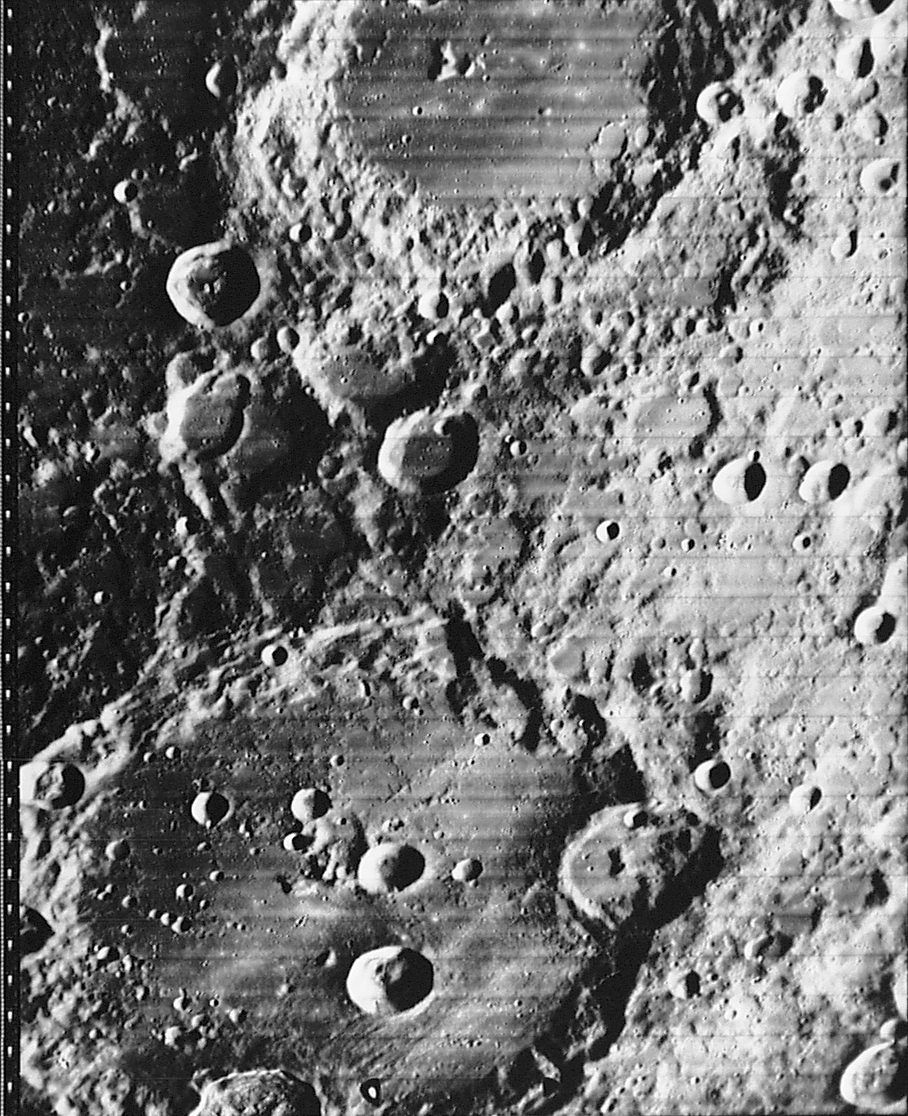
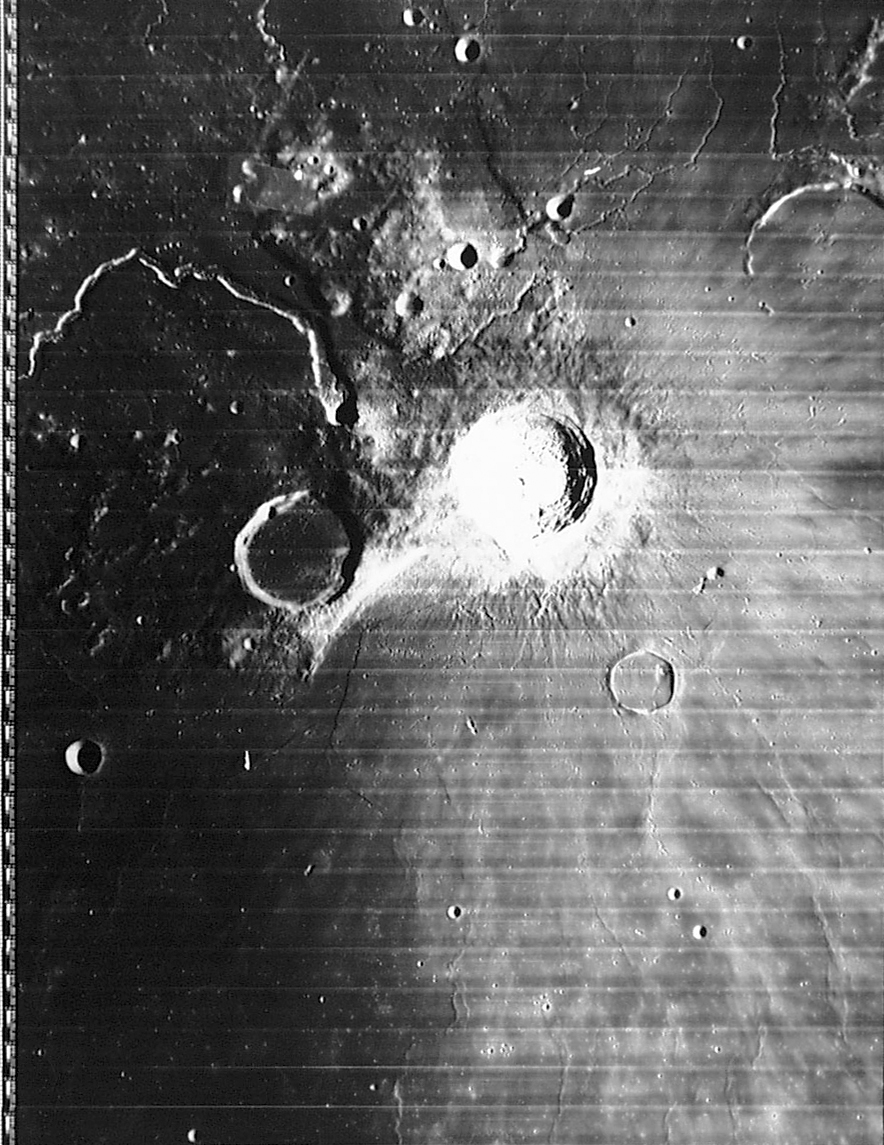
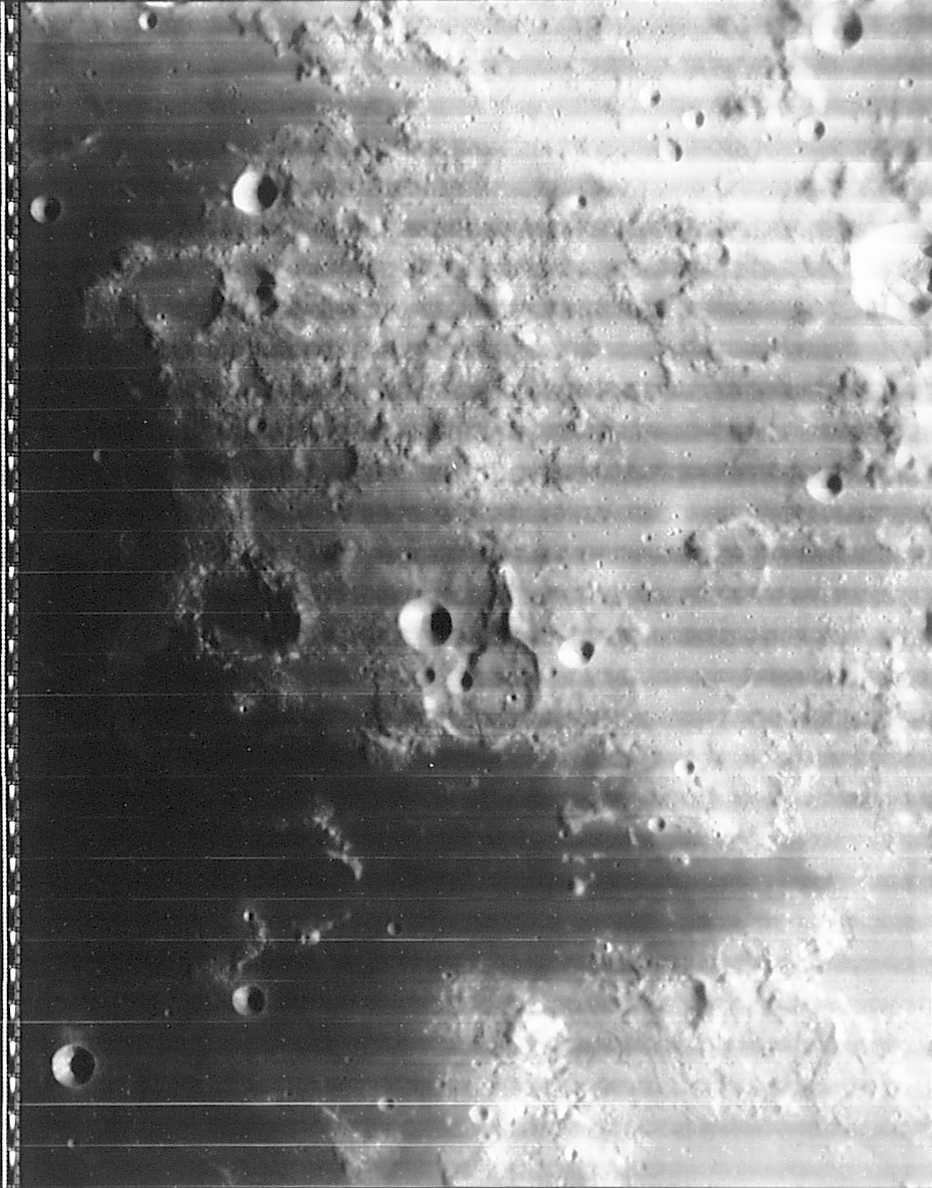
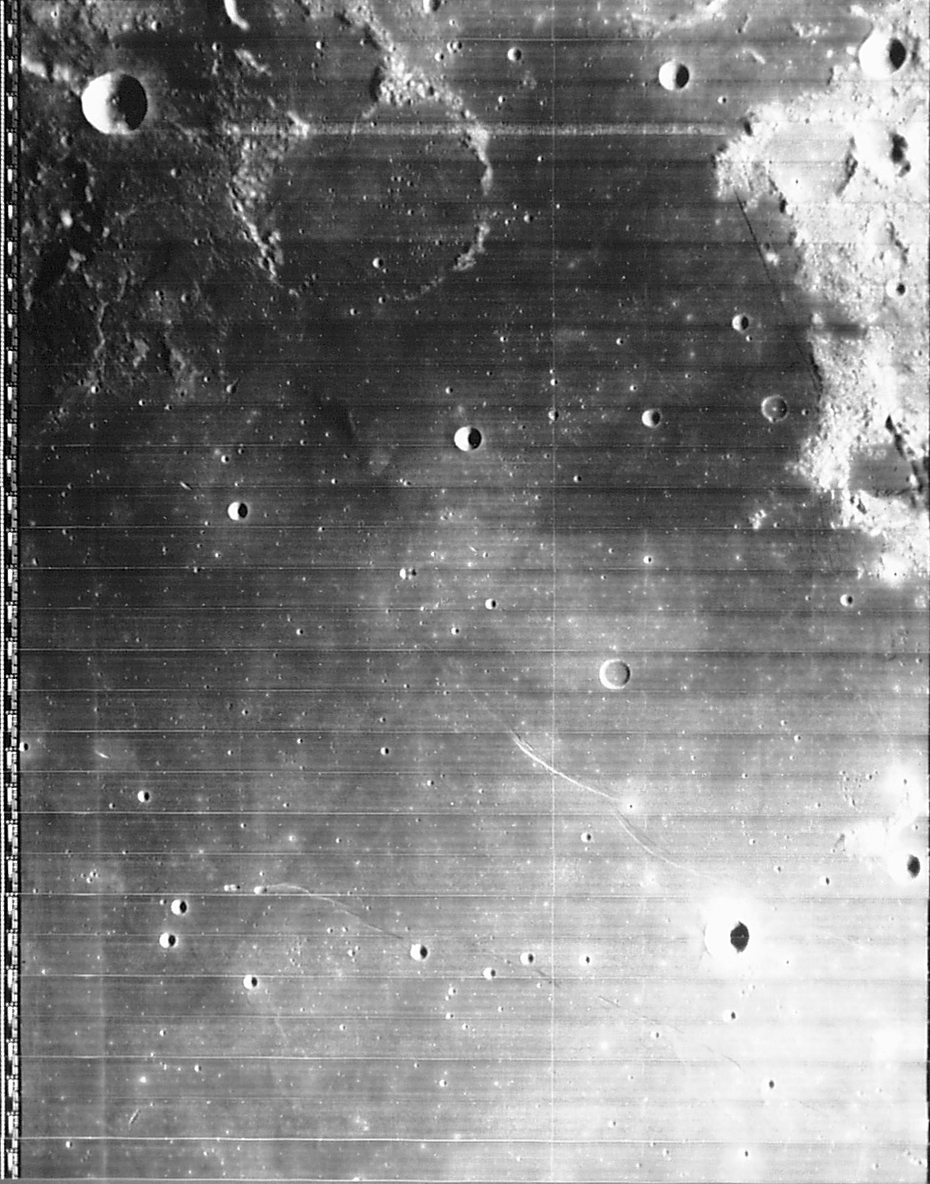
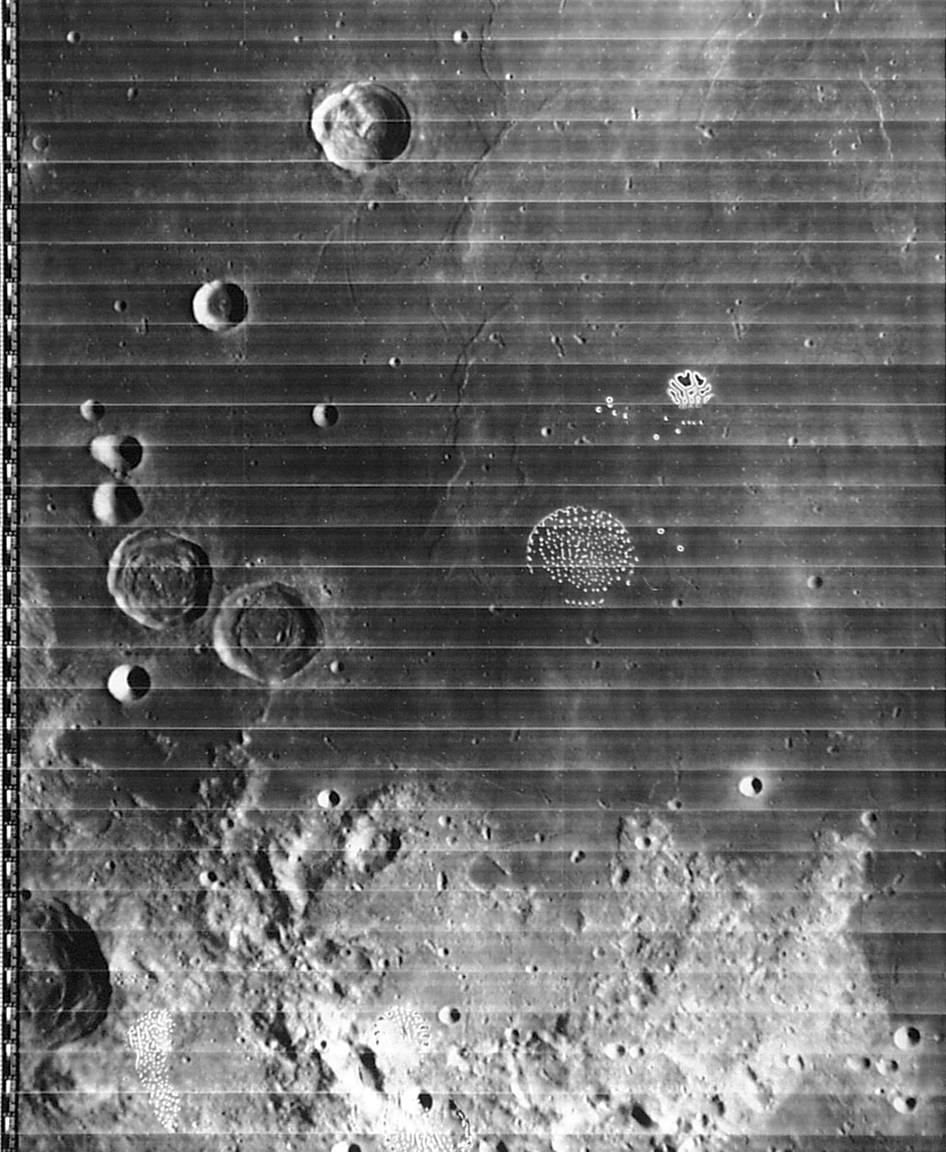
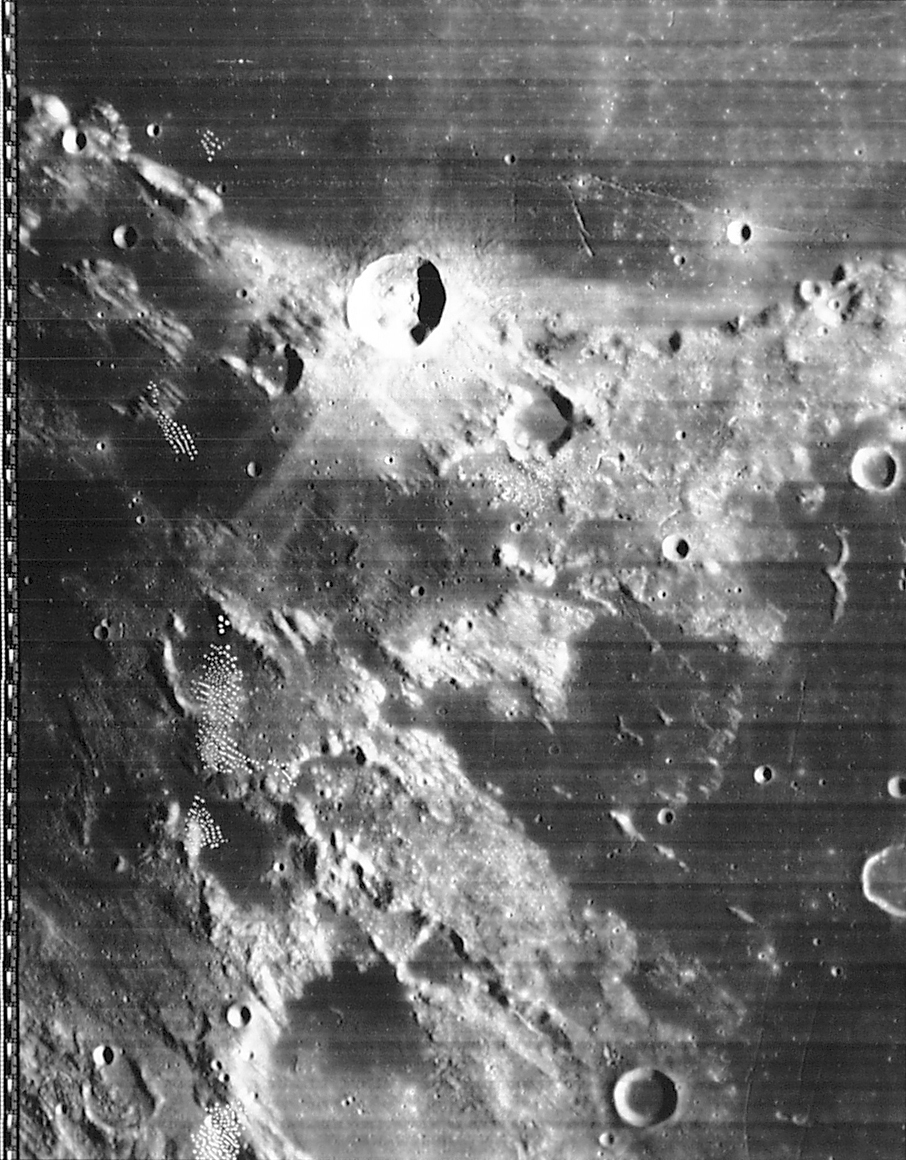
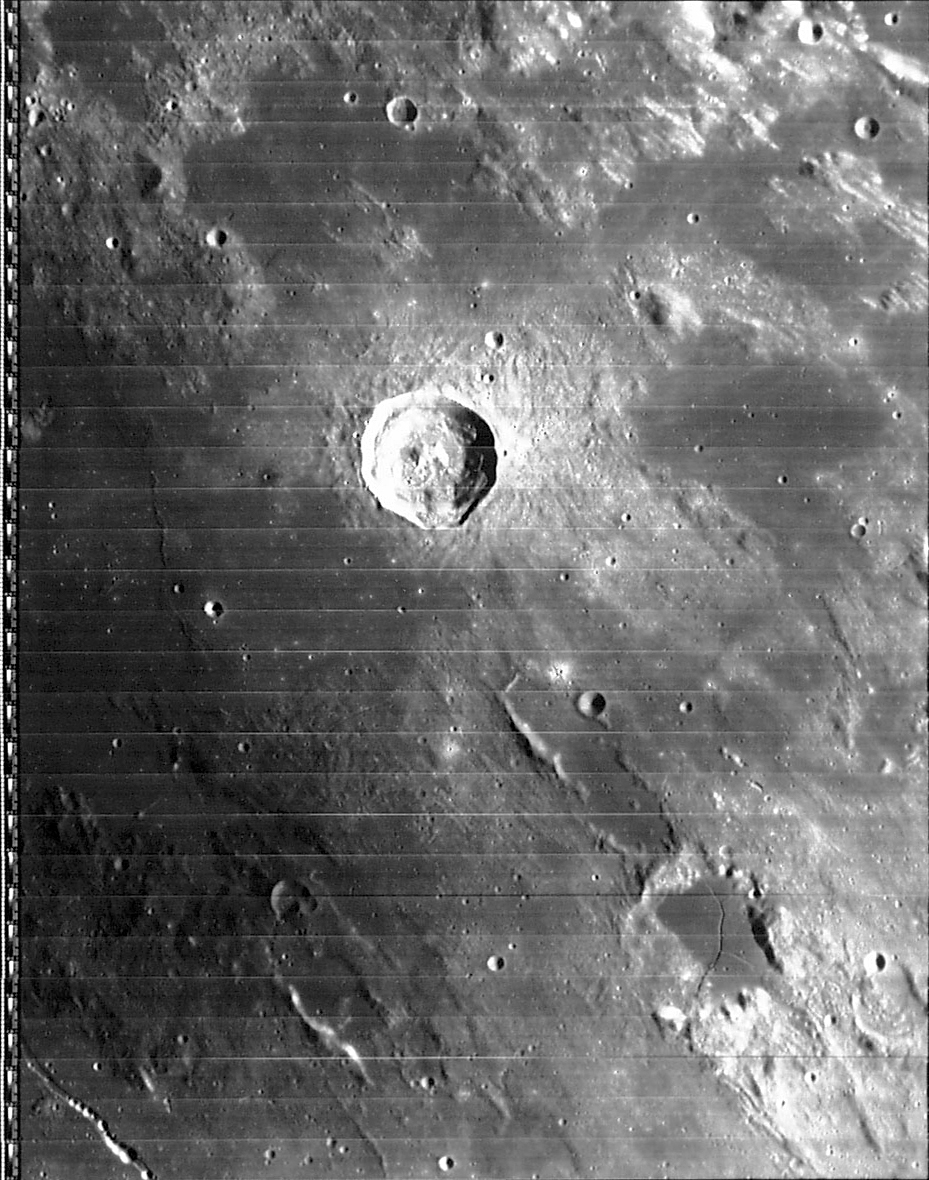
In the list of keyboard commands, 'q' is listed as 'assumes Lunar Orbiter image.' I added this because you can download LO images here. Download these and load them into MoonView and attempt to register them, and a problem becomes apparent right away: because these are not Earth-based images, the default assumption that there is no libration at all is a really poor one.
Hit 'q' after adding one or two registration points, however, and the problem is alleviated a bit. Moonview still doesn't really know where the Lunar Orbiter was when the image was taken, but it assumes it was taken directly over the average position of the registration points, at infinite distance. Someday, I may refine this by doing a least-squares solution that figures out the real position of the LO (including altitude) and the "tilt angles" (how far off-nadir the image was... a significant consideration on the far side images.)
A few LO images have already been registered; download any of the following and load them into MoonView, and the crater outlines and labels will pop up within a few kilometers of the right places.
Licensing: MoonView is freeware. At some point, I'll post the source code. I'd post it now, but the program is still in a bit of a state of flux. If you're particularly eager to see the source, let me know, and I'll send you the version du jour.
Future additions to the program: This program is quite new and primitive. Things that might be added include, in no particular order:
Choice of selenographic reference nets: (I am thankful to Brent Archinal for bringing me up to speed on this subject.) Right now, Moonview uses the USGS gazetteer of lunar placenames for all purposes: labelling features on the chart, and for registering images. The USGS data works wonderfully for the first purpose, but it's not quite so wonderful for registering images.
The problem is that the USGS gazetteer gives the latitude/longitude of each feature to .1 degree, or about 3 km. This is decent accuracy, and the coordinate truncation is barely noticeable in the current CLA images (though I had to register a lot of extra points to average out the errors). It's more noticeable in Lunar Orbiter images, and I'd expect people to notice it in CCD images. And if the proposed plan to re-scan CLA goes through, the resulting images will almost certainly be badly affected by this.
Where possible, we should be using the ULN (Unified Lunar Network). This is a smaller list of about 1500 points, covering the near side of the moon and some (not much) of the far side, giving positions to three places in latitude/longitude and also giving altitudes (which start to matter at this level of precision). This is the fundamental reference system on which the USGS gazetteer is, in theory, built.
I say "where possible" because the ULN doesn't provide enough data points for small fields of view, and doesn't give you much to work with on the far side of the moon. For some CCD images and about half of the Lunar Orbiter images, therefore, we'll have to use the USGS data. (MoonView is designed such that one can switch reference nets in a heartbeat. The registration data is stored in the form "this pixel corresponds to the following feature name"; the link between that feature and its lat/lon is made when the image is loaded, and you can swap in a different reference net at that time. That's the main reason I don't see this as an immediate issue.)